Guided
Install & Setup
It’s time to get you connected. Our expert tech’s have your safety in mind. We’ll walk you through the simple setup process.
LET’S DO IT TOGETHER

Smarter. Faster. Safer.
We’ve created a new way to ensure your Ultimate WiFi Experience is delivered in a safe manner – without contact.

Reliable Service First
Our technicians will validate that the service is active at your house. Then, we’ll deliver the equipment right to your door.

Guided Install. Together.
The CommandIQ™ WiFi app makes setup quick, easy and secure. We’ll walk you through that process and provide you with 24/7 support. We’re with you every step along the way.
Stuck? Call us at (866) 638-2144.
Installation Steps
Step 1: Click the video below your system to see how to plug everything in.
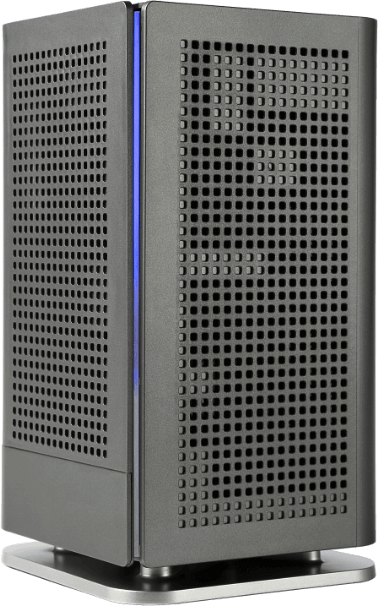
Blast u12
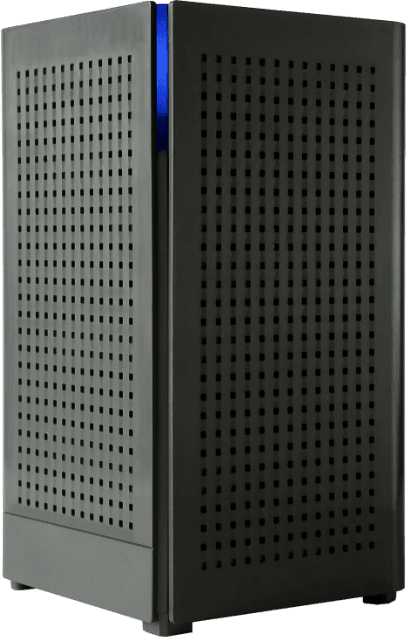
Blast u6